
A place to practice

For the notes
that need
another go.

The fingering you keep forgetting. The rhythm that won’t quite stick. A little work here can make the next rehearsal feel different.

Start practicing

Free practice. No account needed to begin.

A small sample01 / Key signatures
Know your keys1 of 3

Which major key has one flat?

Take your time. Pick a key.

A few minutes. One thing a little more familiar.

Keep going in Woodshed
Band. Orchestra. Choir.Find your place to start

A look around

Room to concentrate.

Readable music. Clear choices.
The tools you need, close by.

Woodshed / Key signaturesFrom the app
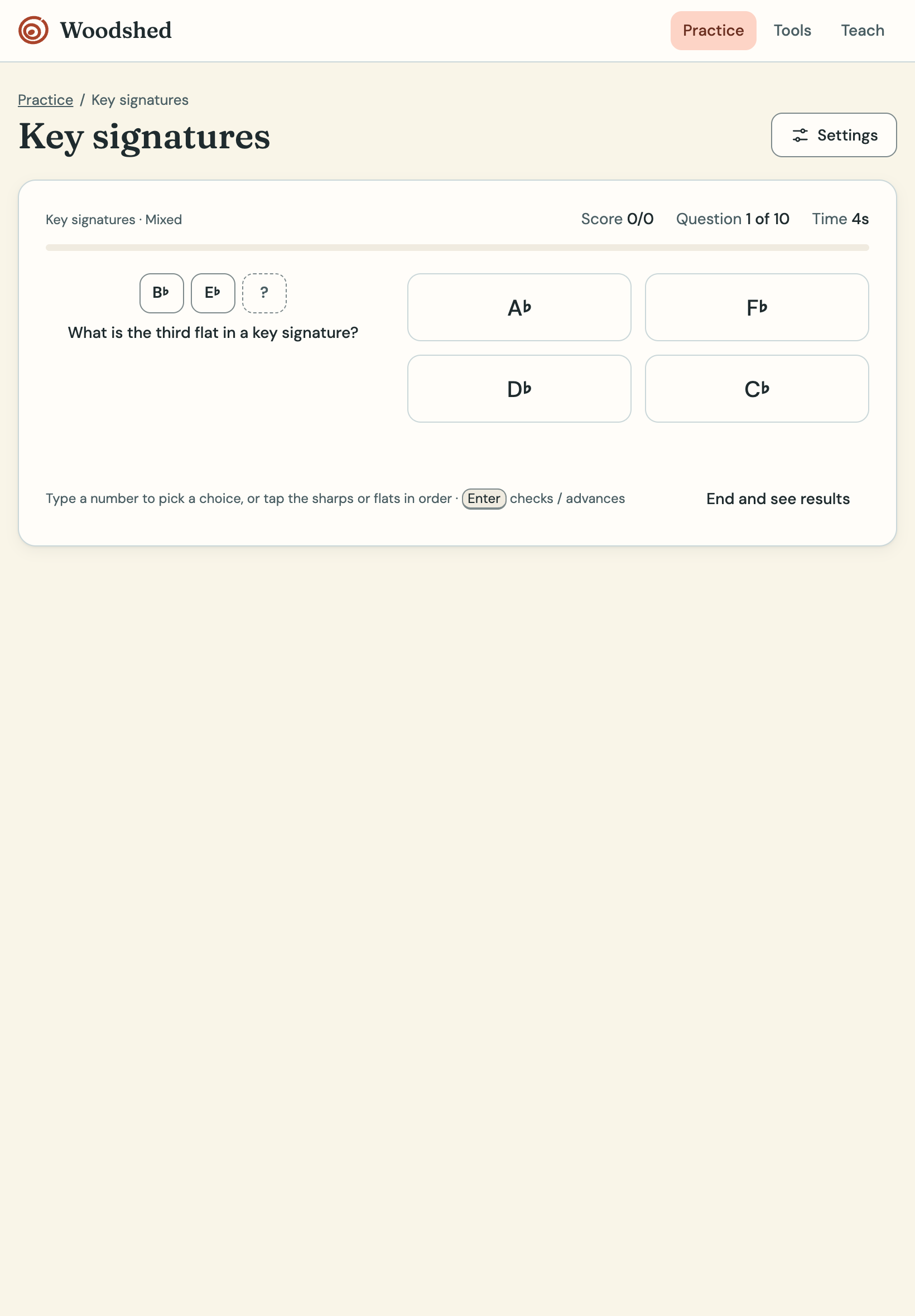
Woodshed key signature practice, asking for the third flat with four answer choices.

One question at a time, with room to think.

For the person on the podium

“Work on this
before we
meet again.”

Give that sentence somewhere to go.

You know what your students need to practice. Build an exercise around it, then send them the link.

01

Make it specific. Choose the notes, rhythms, or keys you want students to work on.

02

Send one link. Your settings travel with the exercise. Students open it and begin.

03

Leave room to try again. Students can practice before testing themselves, and revisit finished sessions on the same device.

Build an exercise

Use Woodshed independently. Explore the planned director subscription ↓.

Planned for directors

More ways to teach
with Woodshed.

Free activities give students a place to practice. We’re planning a director subscription for preparing materials, assigning work, and following their progress.

In development These subscription features are planned. They are not available to purchase yet.

01

From the screen to the music stand.

Build printable worksheets and answer keys around the skill you’re teaching. Choose the clef, instrument, range, keys, and difficulty, with equivalent versions for different groups or another attempt.

Worksheet builder · Answer keys · Multiple versions

02

Prepare it once. Teach it again.

Save exercises and routines in your teaching library. Reuse them next semester, adapt them for a section, or assign a specific activity to a class or individual with instructions and a learning goal.

Saved library · Classes & assignments · Differentiated practice

03

See what’s starting to stick.

Follow completion, attempts, accuracy, and improvement across devices. Students would have their own connected progress view, while directors could spot the skills that need another look.

Connected progress · Director reports · Student history

04

Give the room something to work toward.

Set teacher-led games, section challenges, and shared class goals around the skills you choose. Game points would stay separate from assessment results: participation and mastery tell different stories.

Classroom challenges · Shared goals · Teacher controls

05

Bring the result back to the pathway.

Build a Program Partner Skills Pathway connection so directors can link Woodshed activities and assessments to learning goals, return qualifying results, and choose when a skill needs their review.

Program Partner integration · Skills evidence · Director review

Additional director features will require a registered director account and an active Woodshed subscription. Woodshed will remain usable independently of Program Partner; connecting to Skills Pathways also requires access to Program Partner. Pricing, launch timing, and bundle details are still being worked out.

Tell us what would help you teach

Built from the teacher’s
side of the stand.

Woodshed is created by Trey English, a band director whose teaching has also taken him into choir, theatre, college classrooms, and private lessons.

The idea is a practical one: give students somewhere to work on the small things that make playing and singing feel easier, and give teachers a simple way to point them there.

Before you begin

A few practical things.

What’s free, and what will require a subscription?

Current free practice activities are available without an account. A paid director subscription is planned for additional teaching tools, including printable worksheets, assignments, connected progress, and classroom challenges. Those subscription features are not available to purchase yet, and pricing has not been announced.

Do I need a Program Partner account?

No. You can use Woodshed’s free activities without signing in to Program Partner. The planned director tools will require a Woodshed director account and an active subscription. Program Partner is a separate platform; using its Skills Pathways integration also requires access to Program Partner.

What devices can students use?

Woodshed runs in a browser on phones, tablets, Chromebooks, and laptops. Activities that listen to playing or singing need microphone permission; you can use the other activities without it.

Where does a student’s progress go?

Ordinary practice history is saved in the browser on that device, rather than a shared teacher gradebook. It does not automatically follow students to another device. A Program Partner Skills Pathway connection is planned; it is not available yet.

Read the full privacy policy

Whenever you have a few minutes

Your next rehearsal
starts here.

Start practicing

Free activities. No account needed to begin.